30 Best Websites to Download Free Revit Families in 2026

Free Revit families in 2026 come from three kinds of sources: broad catalogs (BIMobject, ARCAT, BIMsmith Market, NBS Source, Archiproducts, ArchDaily), community libraries like RevitCity and Modlar, and brands that publish their own files, from BIMCORE samples to Herman Miller, Knoll, ERCO and Kohler. All thirty sources below were checked and alive in July 2026. Each has a different sweet spot, and this guide shows where to go for furniture, lighting, bathroom or kitchen, so the search takes minutes.
Quick comparison
| Site | What you can download | Where to look |
|---|---|---|
| BIMCORE | Free samples from one of the strongest parametric interior Revit family libraries for designers | Free plugin account, then the kitchen family instruction |
| BIMobject | Free manufacturer BIM objects: furniture, sanitary, doors, lighting, kitchen and plumbing | Free catalog filters, category pages or product pages, then Download |
| Archiproducts | Design furniture, lighting, bathroom and kitchen BIM/CAD objects | BIM section or Revit plug-in, then filter by product or format |
| ArchDaily | Product-catalog BIM objects for furniture, finishes and equipment | Catalog BIM section, then product pages |
| ARCAT | Manufacturer BIM/CAD objects, specs, doors, plumbing and finishes | BIM Objects by category or manufacturer |
| BIMsmith Market | Free Revit-ready building products from US brands | Search or category pages, then product page downloads |
| NBS Source | NBS BIM Library objects and manufacturer products | Product pages, then Download BIM/Revit object |
| BIM&CO | Manufacturer and generic BIM objects in RFA, IFC, SKP and other formats | BIM library search, then object page format downloads |
| MEPcontent | Manufacturer-specific Revit, AutoCAD and IFC files for MEP, lighting, plumbing and HVAC | Browse manufacturers or categories, then product downloads |
| CADdetails | Revit BIM models plus CAD details and specifications | BIM Models, then manufacturer or category product pages |
| bimstore | Free UK-focused manufacturer BIM objects for Revit | Search or category pages, then product download |
| RevitCity | User-uploaded Revit families, odd objects and legacy furniture | Downloads search, then object page; free login is needed |
| Modlar | Mixed BIM/CAD models by category, brand and file format | Product library search, then format filters |
| Herman Miller | Official Revit, SketchUp and AutoCAD product models for chairs, tables and systems | Product Models, then category or product |
| Knoll | Furniture symbols for AutoCAD, Revit and SketchUp, including Womb, Saarinen and Barcelona classics | Furniture Symbol Library or Revit Add-In |
| Teknion | Revit symbol libraries for office systems, seating, tables and storage | Revit resources, then full library or product ZIP downloads |
| Steelcase | Revit furniture model downloads for seating, tables and workstations | Revit Files page, then search or filter by category |
| Haworth | Official Revit files for office furniture, lounge areas, panels and workspaces | Haworth Revit design resources page; direct downloads without registration |
| Muuto | 2D, 3D and Revit files for furniture, lighting and accessories | Professionals toolbox, then 2D, 3D & Revit files |
| Fritz Hansen | 2D, 3D and Revit files for Danish furniture classics | Downloads portal, then 2D, 3D & Revit folders |
| ERCO | Revit families for architectural luminaires | Planning luminaire Revit page, then product or article downloads |
| TRILUX | Revit lighting files and catalogue ZIPs for luminaires | Service downloads, then Software and Revit |
| Zumtobel | 3D BIM data in Autodesk Revit format for luminaire product ranges | Downloads page, then Revit BIM Data ZIPs |
| Cooper Lighting | Native Autodesk Revit files for indoor and outdoor fixtures | Revit Files page, then brand, category or product |
| Kohler | CAD blocks, Revit files, 3D files and specs for kitchen and bath products | Studio KOHLER technical specifications; account may be required |
| Geberit | BIM content for Revit: sanitary systems, installation systems, ceramics and bathroom furniture | Geberit BIM Plug-in catalogue module or online product catalogue |
| Hansgrohe / AXOR | BIM data and RFA files for selected taps, mixers and shower systems | BIM planning data page, then PRO product pages or BIMobject |
| Roca | BIM objects for toilets, basins, baths and bathroom fixtures | BIM objects page, then product and format |
| Grohe | Revit files for selected sanitary products, taps and showers | Product resources, then Revit Files |
| Sub-Zero & Wolf | CAD libraries and Revit RFA files for premium kitchen appliances | Product specifications, then Download CAD Libraries and Revit Files (RFA) |
1. BIMCORE
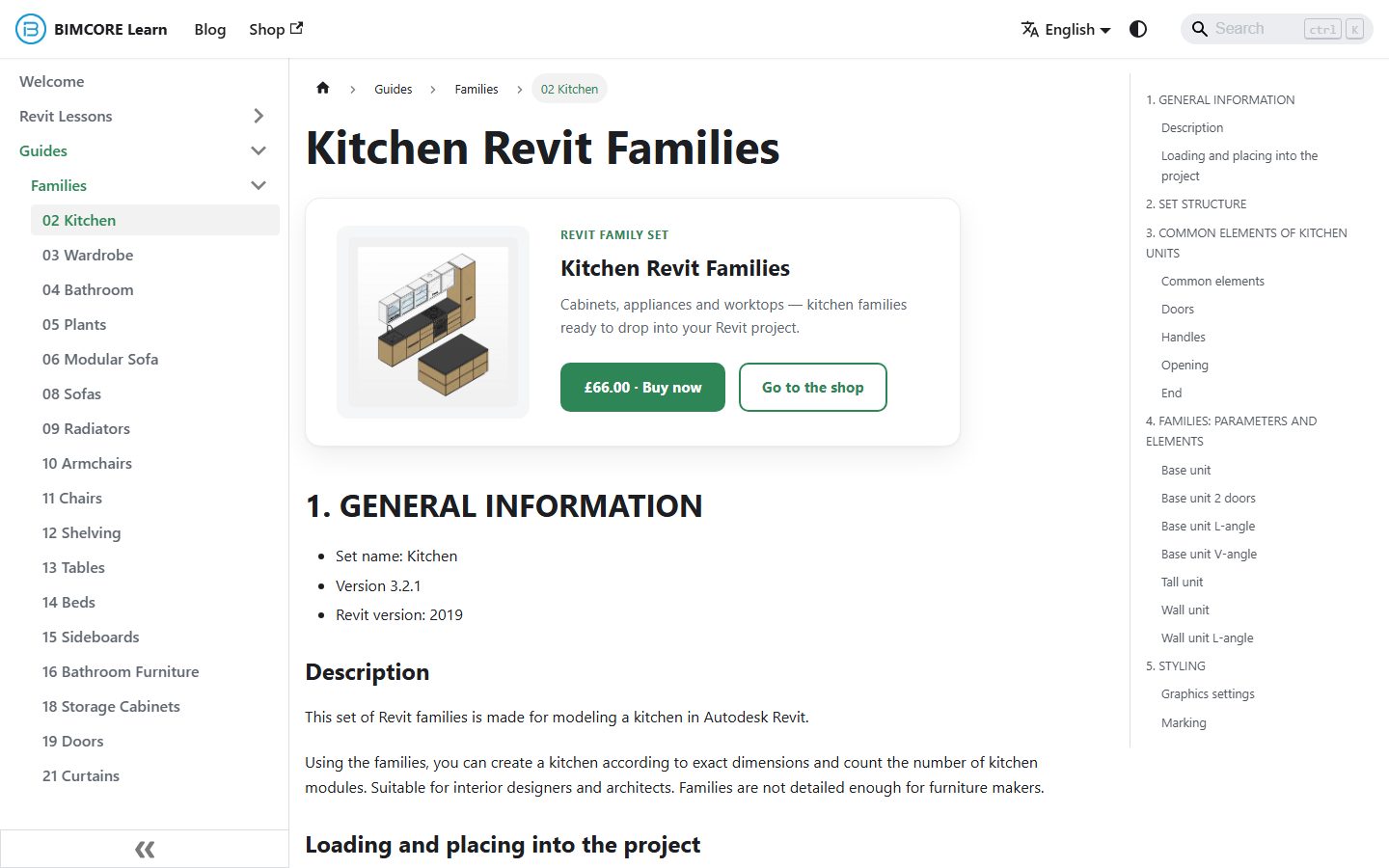
Full disclosure: BIMCORE is our own project, so treat this entry as the host's recommendation. We create some of the best parametric interior Revit families for interior designers: kitchens, wardrobes, sofas, tables, doors, windows, plants and more. Together, our 21 sets form a complete interior library, so after buying the full collection you can stop hunting for random families across the web. We also wrote detailed instructions for every set; start with the kitchen family instruction.
2. BIMobject
BIMobject is one of the largest manufacturer BIM catalogs, listing products from more than 2,000 brands. If you need a real product with a real article number, say a specific Blum hinge or a Villeroy & Boch sink, start here. The Polantis catalog, known for its IKEA furniture models, now publishes through BIMobject, which makes it the main address for IKEA pieces in an interior.
Watch the file size before you load anything. Manufacturer families are often modeled with every screw in place, and a 40 MB armchair slows a project faster than it decorates a render.
3. Archiproducts
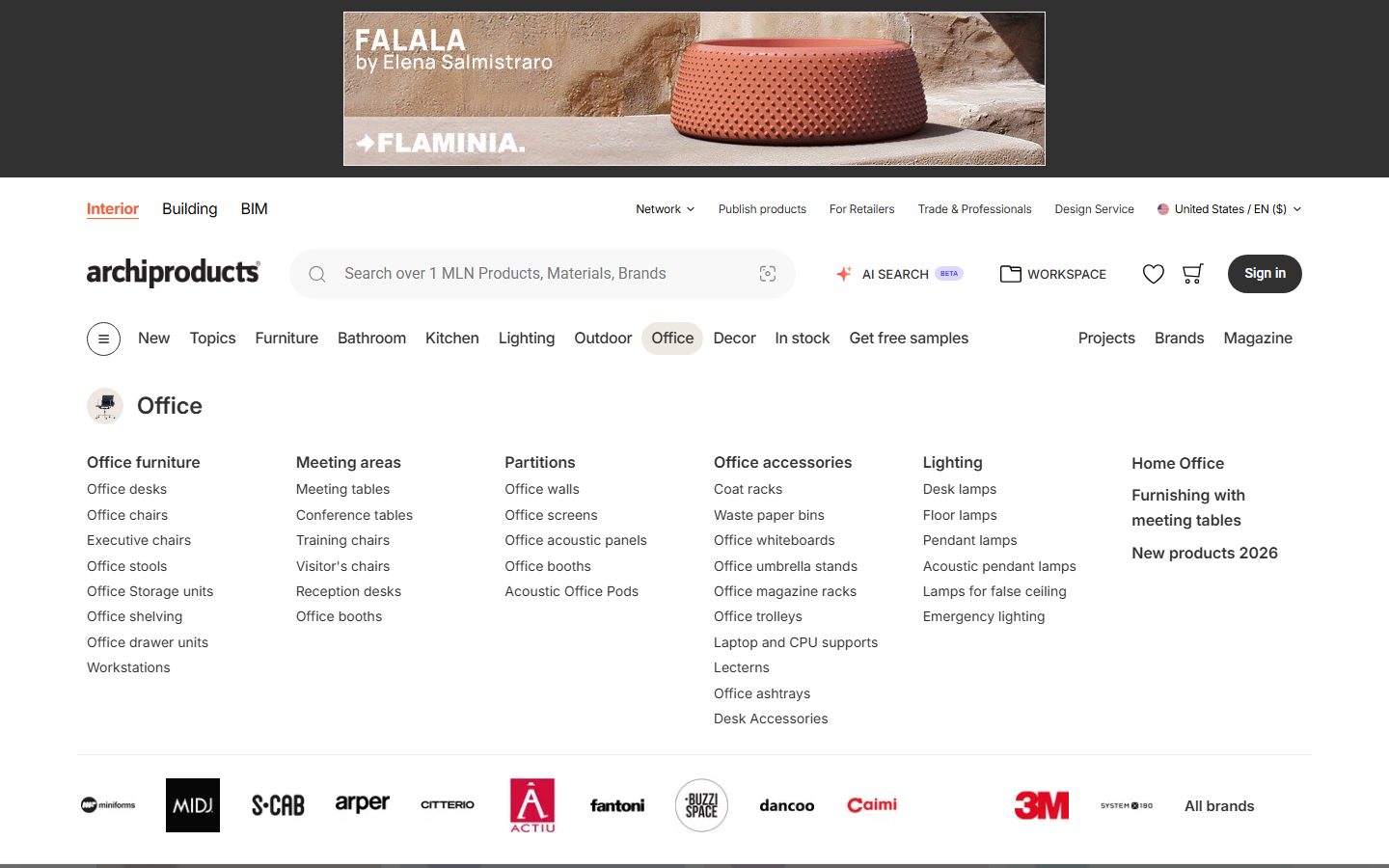
Archiproducts is a large Italian catalog of design furniture, lighting and bathroom products. Its BIM section filters to Revit files for brands you rarely find on construction-focused libraries, which makes it the strongest source here for recognizable European design pieces.
4. ArchDaily catalog
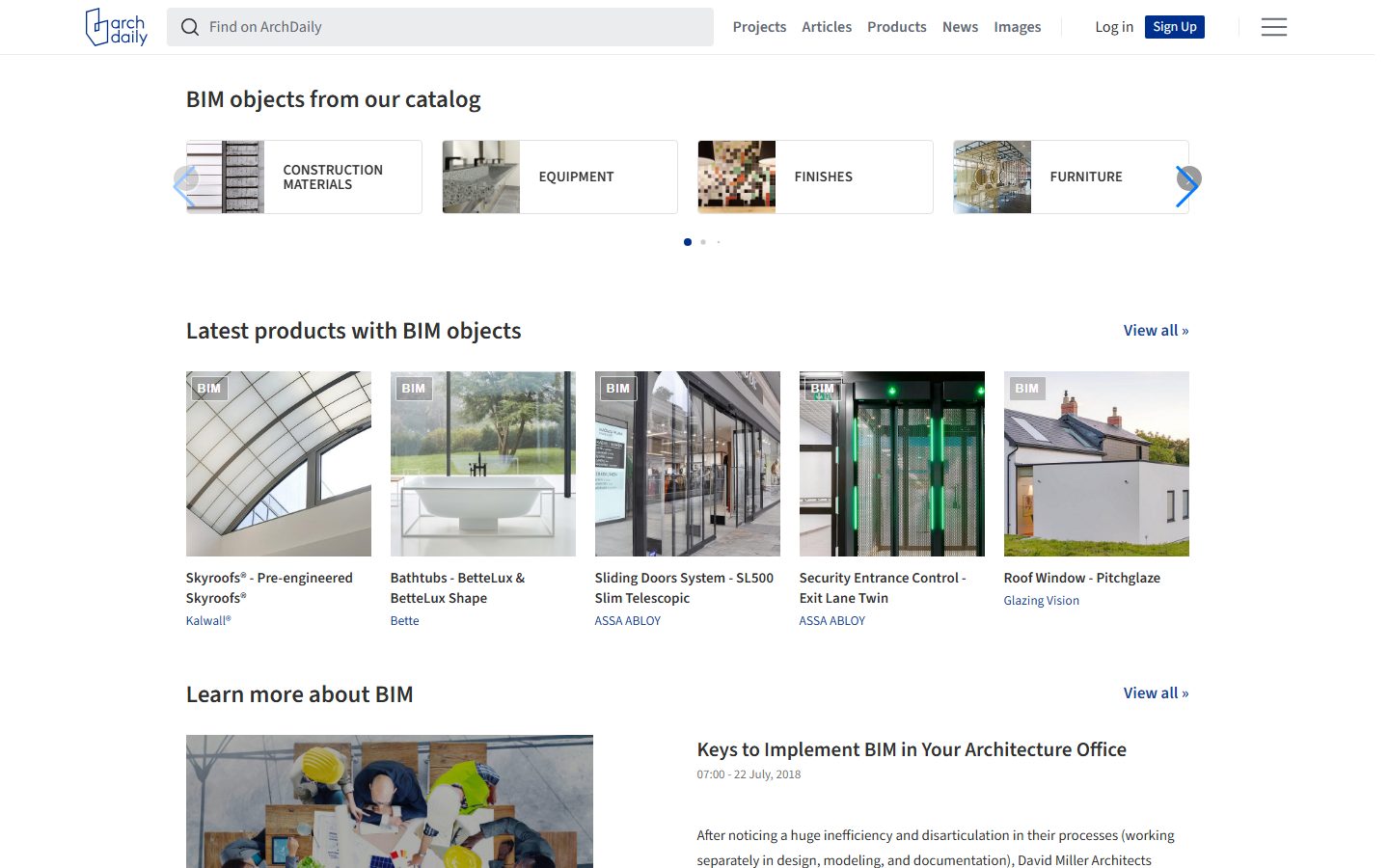
ArchDaily's product catalog sits next to the world's most-read architecture site. The BIM section groups manufacturer objects by category (furniture, finishes, equipment), each tagged BIM, so you browse products and pull Revit files in the same place.
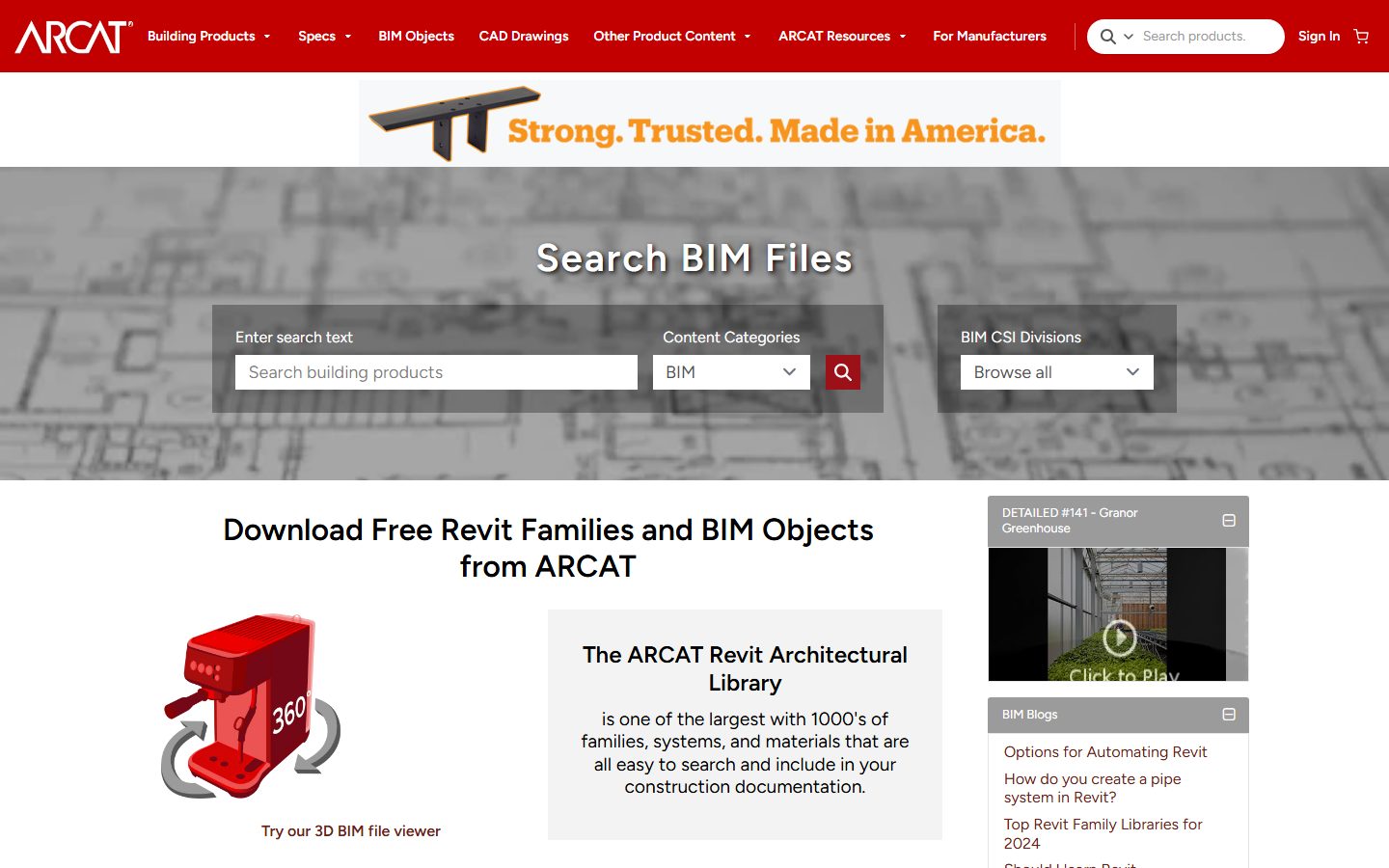
5. ARCAT
ARCAT is one of the few large libraries with no registration at all. Open the page, pick a category, download the file. ARCAT began as a specification service, so families come tied to manufacturer specs, and the architectural categories run deep. Interior furniture is thinner here than on BIMobject, plumbing and doors are well covered.
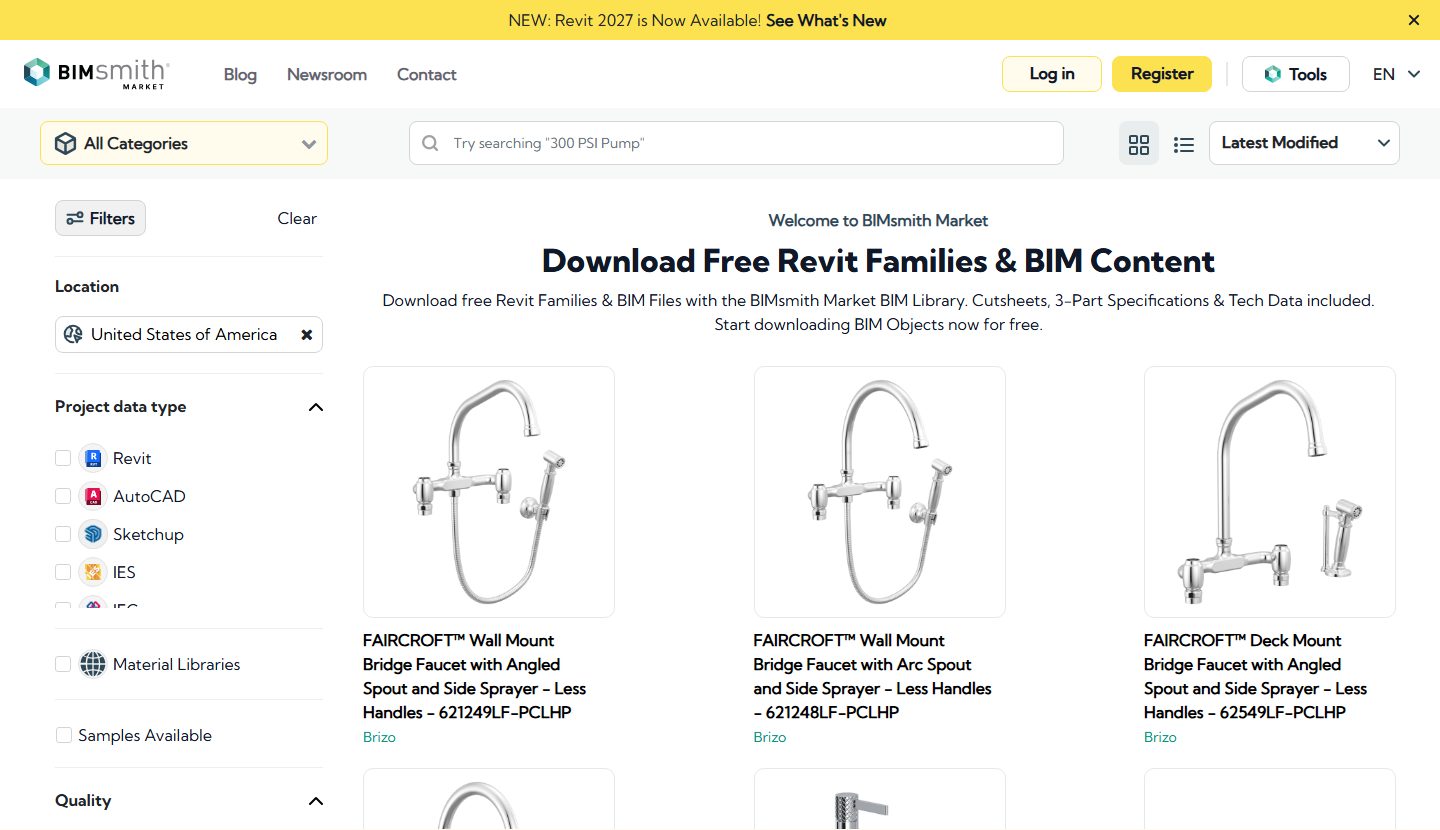
6. BIMsmith Market
BIMsmith Market lists tens of thousands of free Revit-ready building products from hundreds of brands. The catalog leans toward US construction products: doors, ceilings, insulation, finishes. A useful pick when you need the layers behind your interior, less so when you look for a sofa.
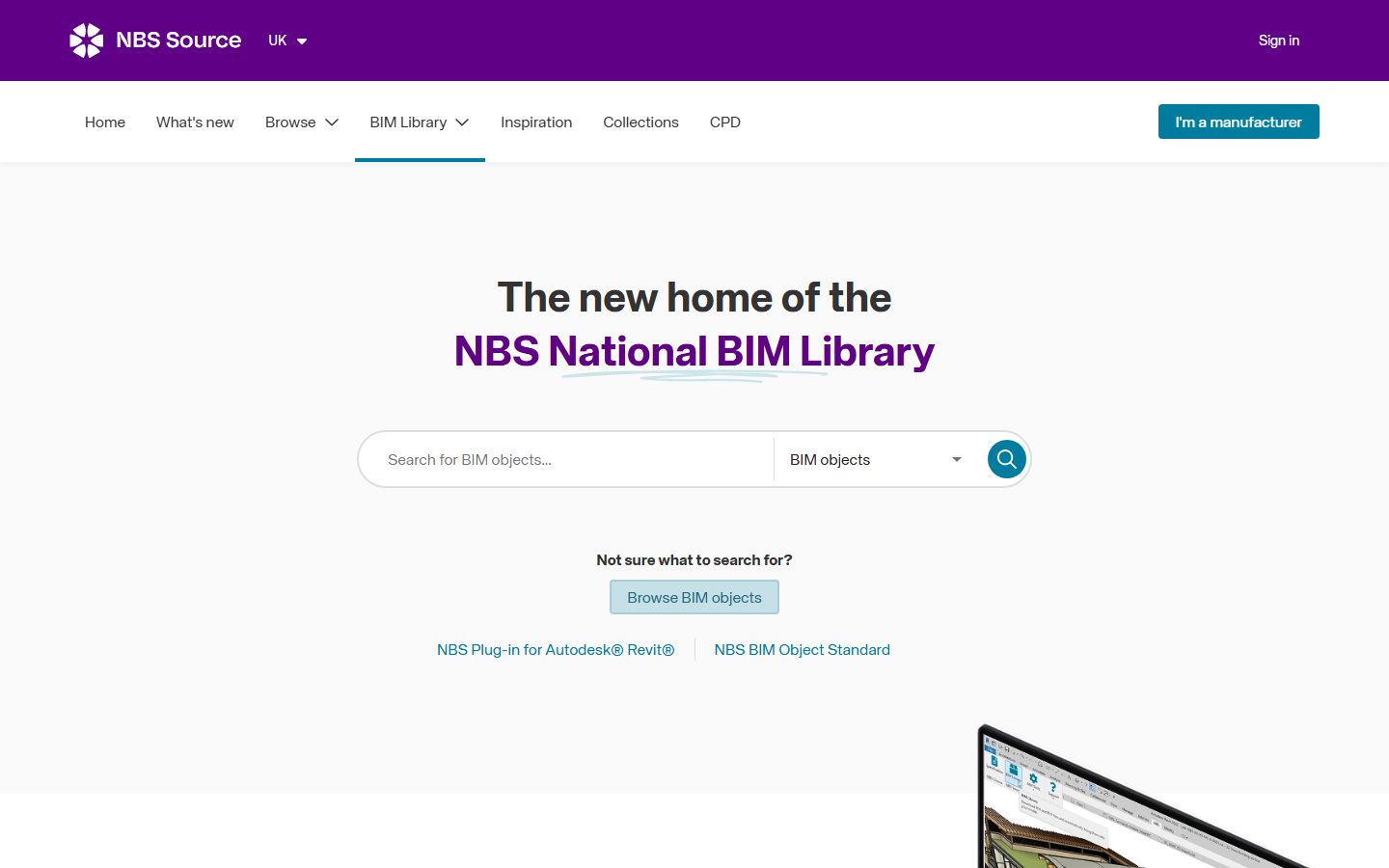
7. NBS Source
NBS Source hosts the UK's National BIM Library: generic and manufacturer objects authored to the NBS BIM Object Standard, which keeps naming and parameters consistent across the catalog. Downloads need a free NBS account. The consistency pays off in schedules, and the coverage of generic building elements is among the best on this list.
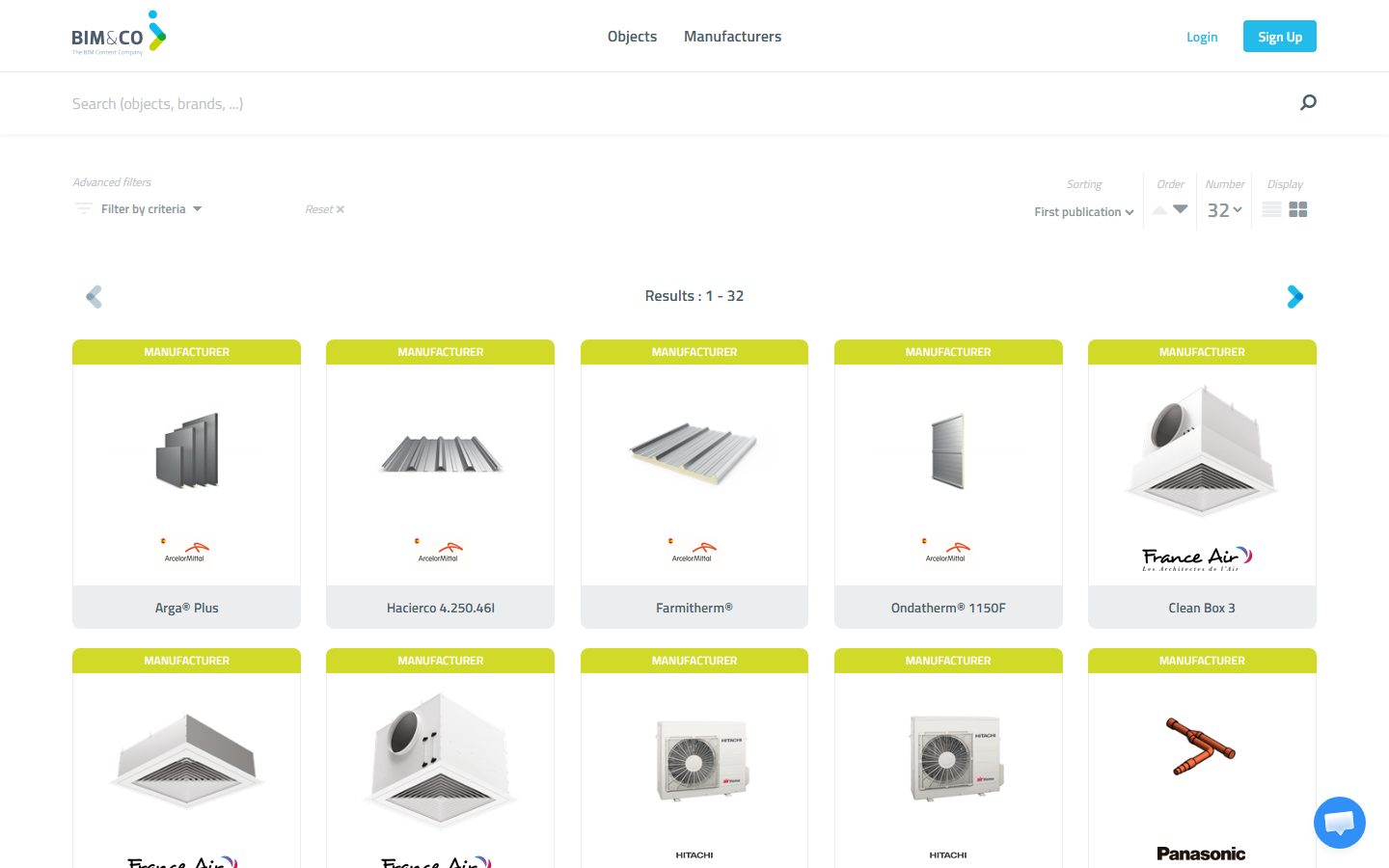
8. BIM&CO
BIM&CO is a French platform with strong coverage of European manufacturers that rarely appear on US-centric catalogs. Families carry structured metadata, which pays off in schedules. If your project uses European fixtures or radiators, check this catalog before modeling anything yourself.
9. MEPcontent
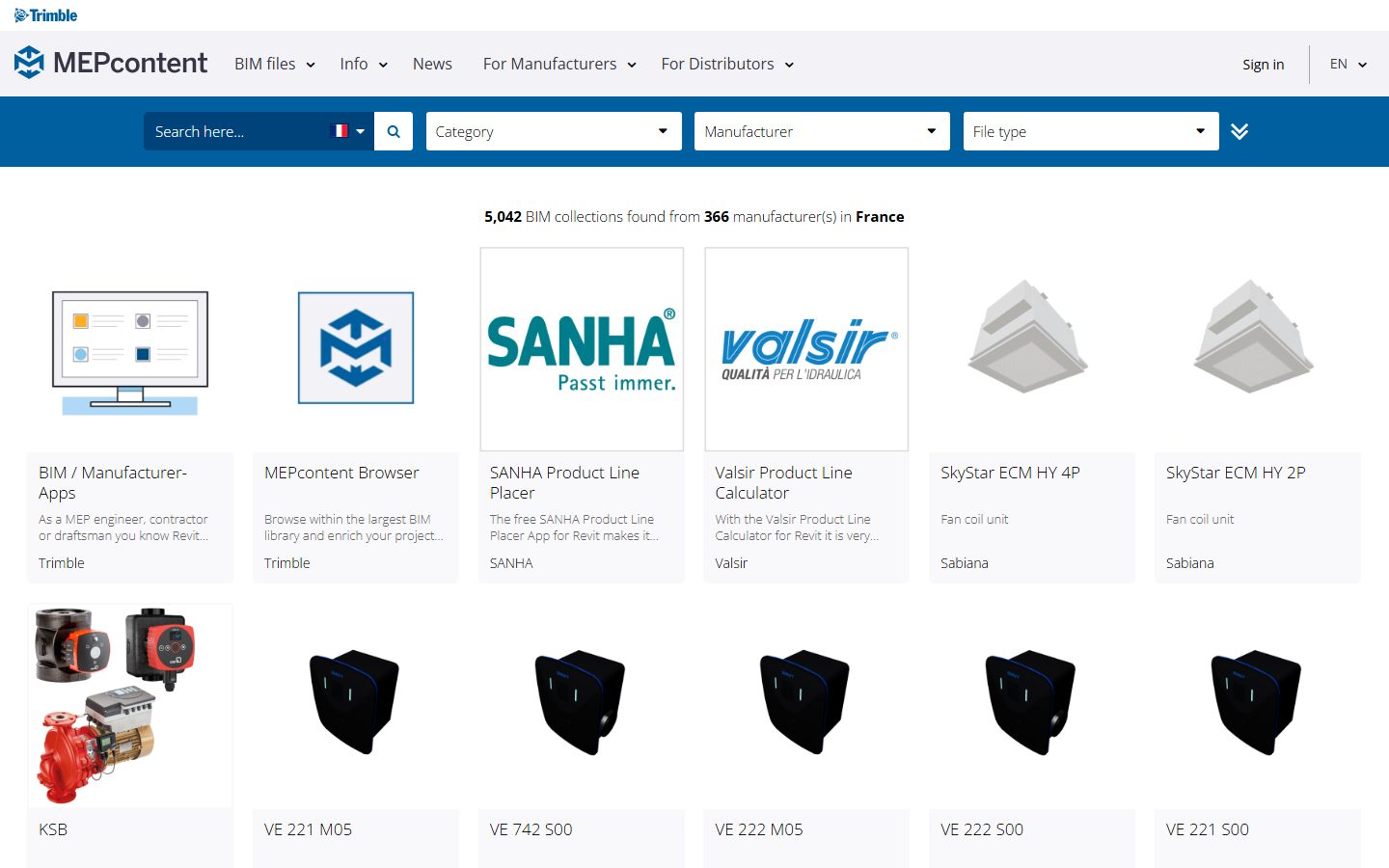
MEPcontent is Trimble's MEP library with hundreds of thousands of manufacturer-specific Revit, AutoCAD and IFC files. Most of it is ducts, pipes and fittings, and two corners matter for interior work: light fixtures and plumbing equipment from real European and US brands.
10. CADdetails
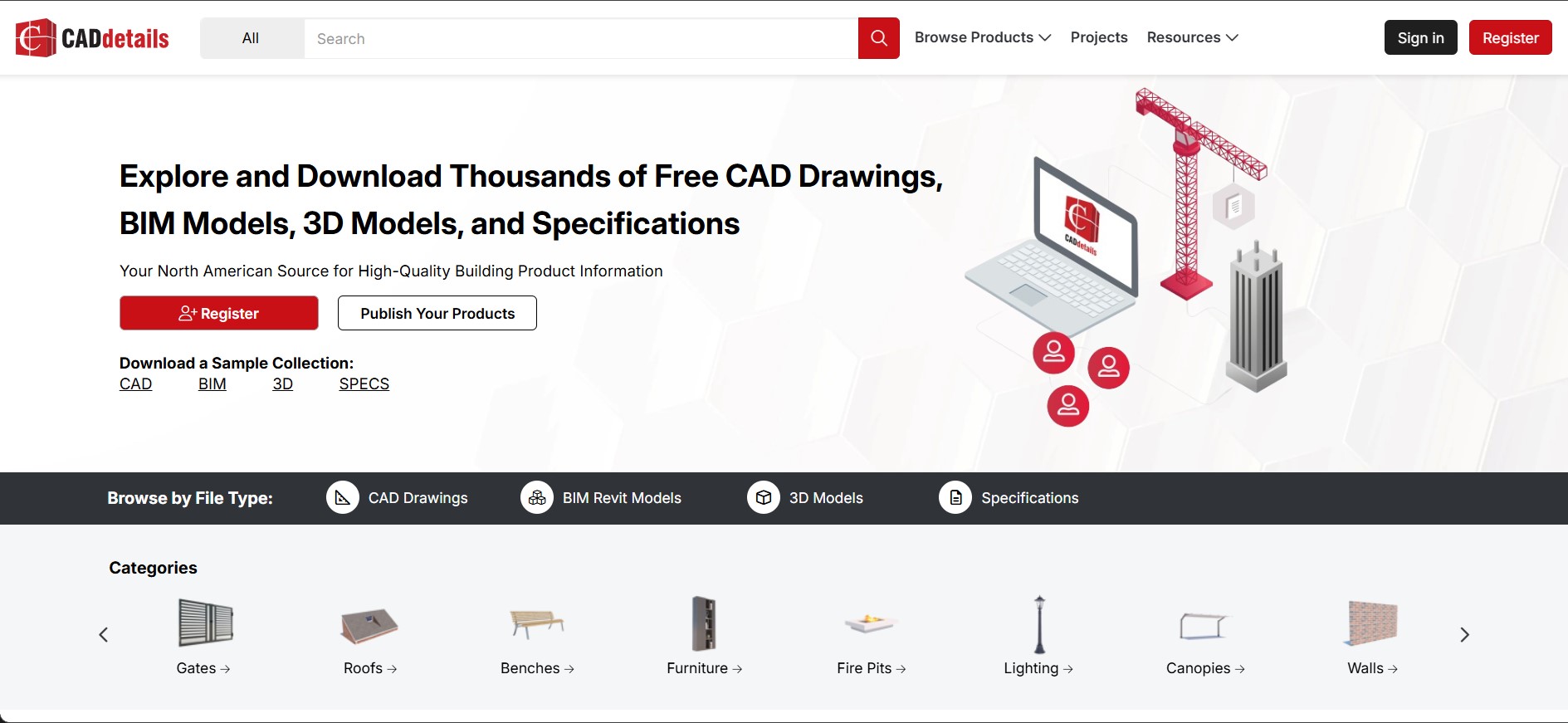
CADdetails is a North American aggregator where Revit families sit next to 2D CAD details and written specifications from hundreds of manufacturers. Handy on projects where the drawing set matters as much as the model, since you pick up the family and its detail drawings in one place.
11. bimstore
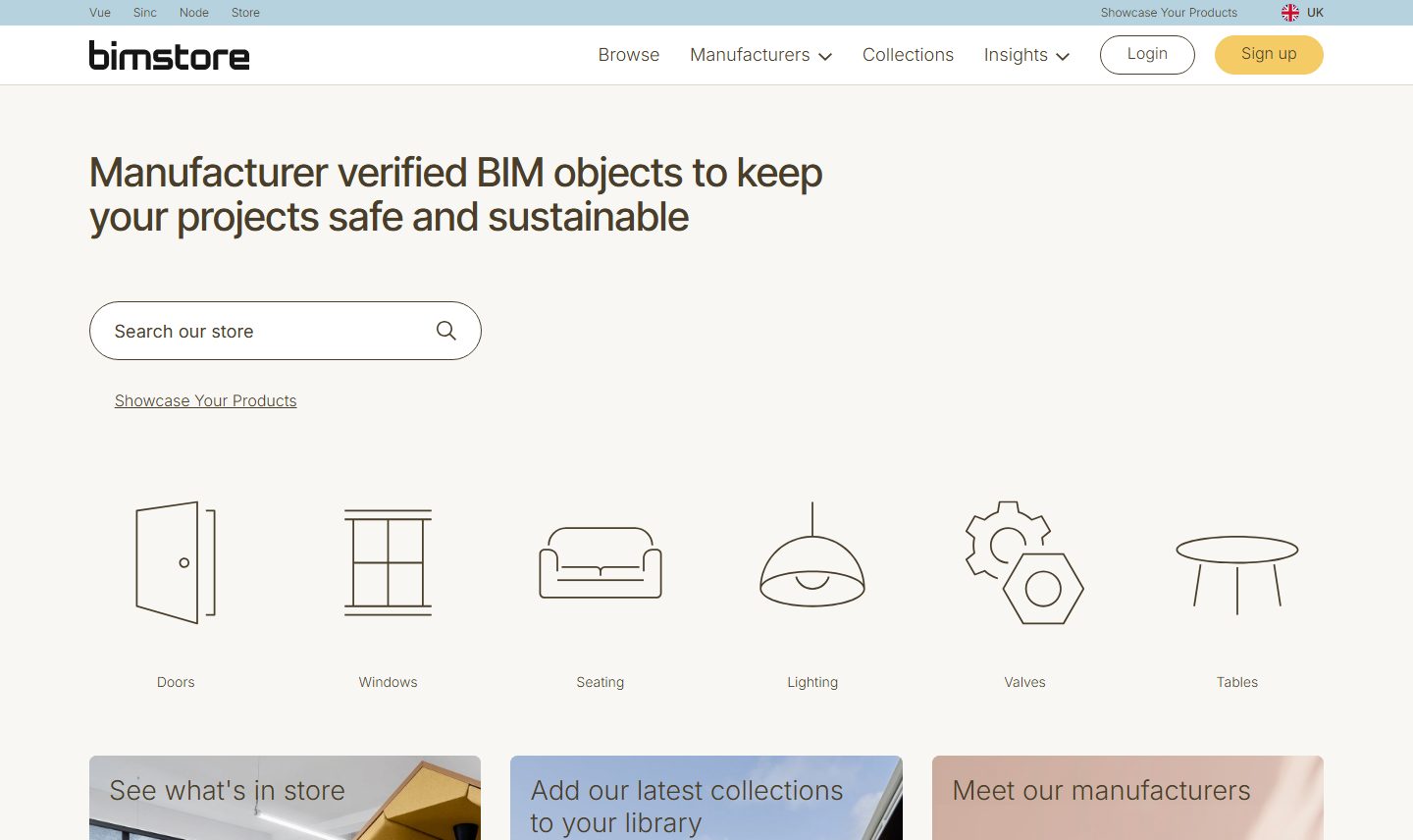
bimstore is a UK library that publishes manufacturer-backed families with an emphasis on technical accuracy. Coverage is UK-centric, so it earns its place when the project sits in Britain or uses British-spec products, and stays a secondary stop otherwise.
12. RevitCity
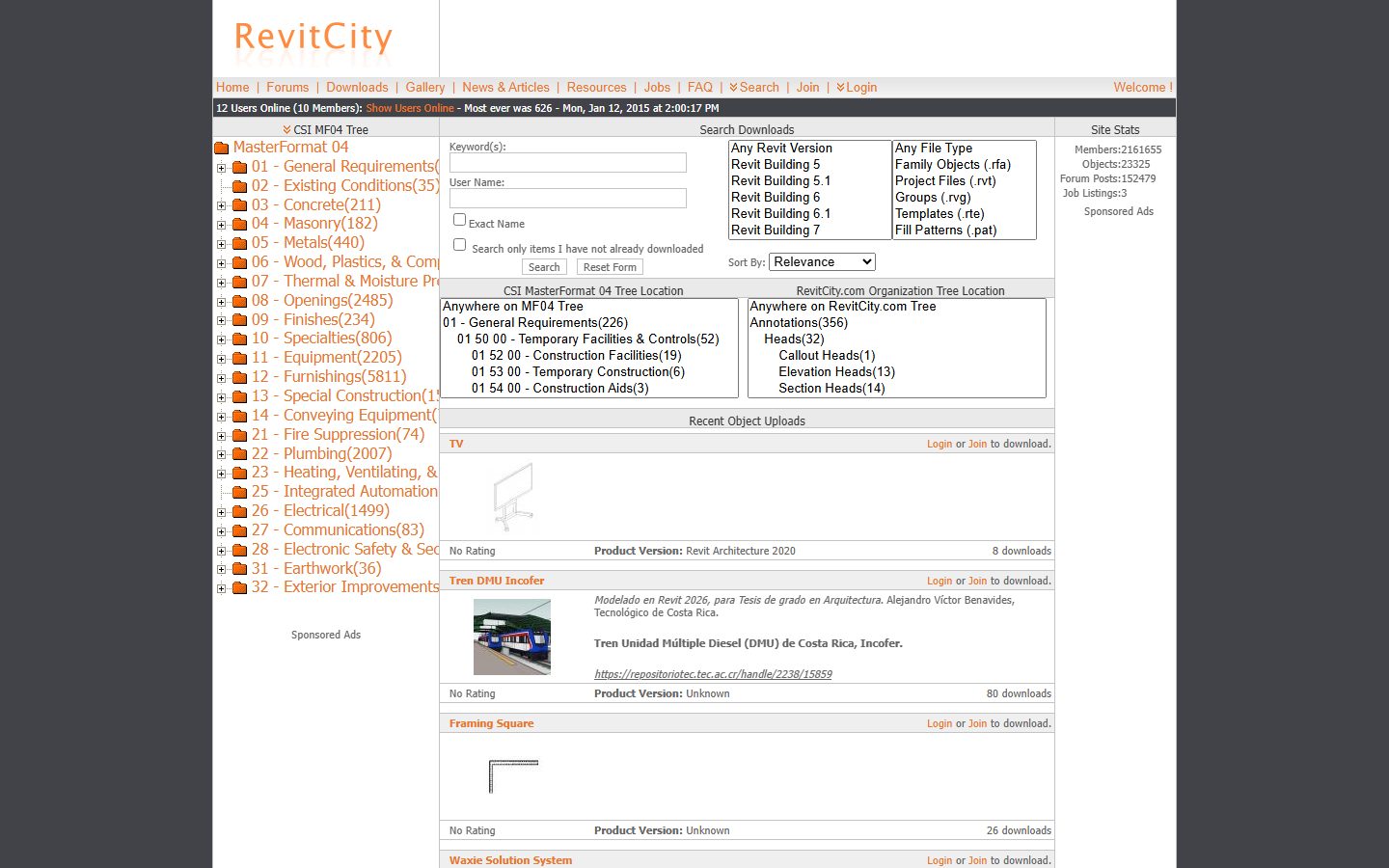
RevitCity is a veteran community library where users upload their own families, and new files still appear weekly. File quality varies a lot, from usable families to models you should keep out of production projects. Still, this is where you sometimes find objects manufacturers never publish: a piano, a salon chair, or an unusual decorative piece. The search feels dated and downloads sit behind a free account.
13. Modlar
Modlar is a community BIM and CAD catalog wrapped around an architecture and interior-design magazine. The library mixes brand content with user uploads, so treat it as a browse-and-verify source. Its strength is discovery: the product feed surfaces furniture you would not think to search for, and appliance brands like Miele publish here.

The next sources are manufacturers that publish their own Revit files. These are often the most accurate you can get: the geometry matches the real product, and nobody has stripped the metadata.
14. Herman Miller
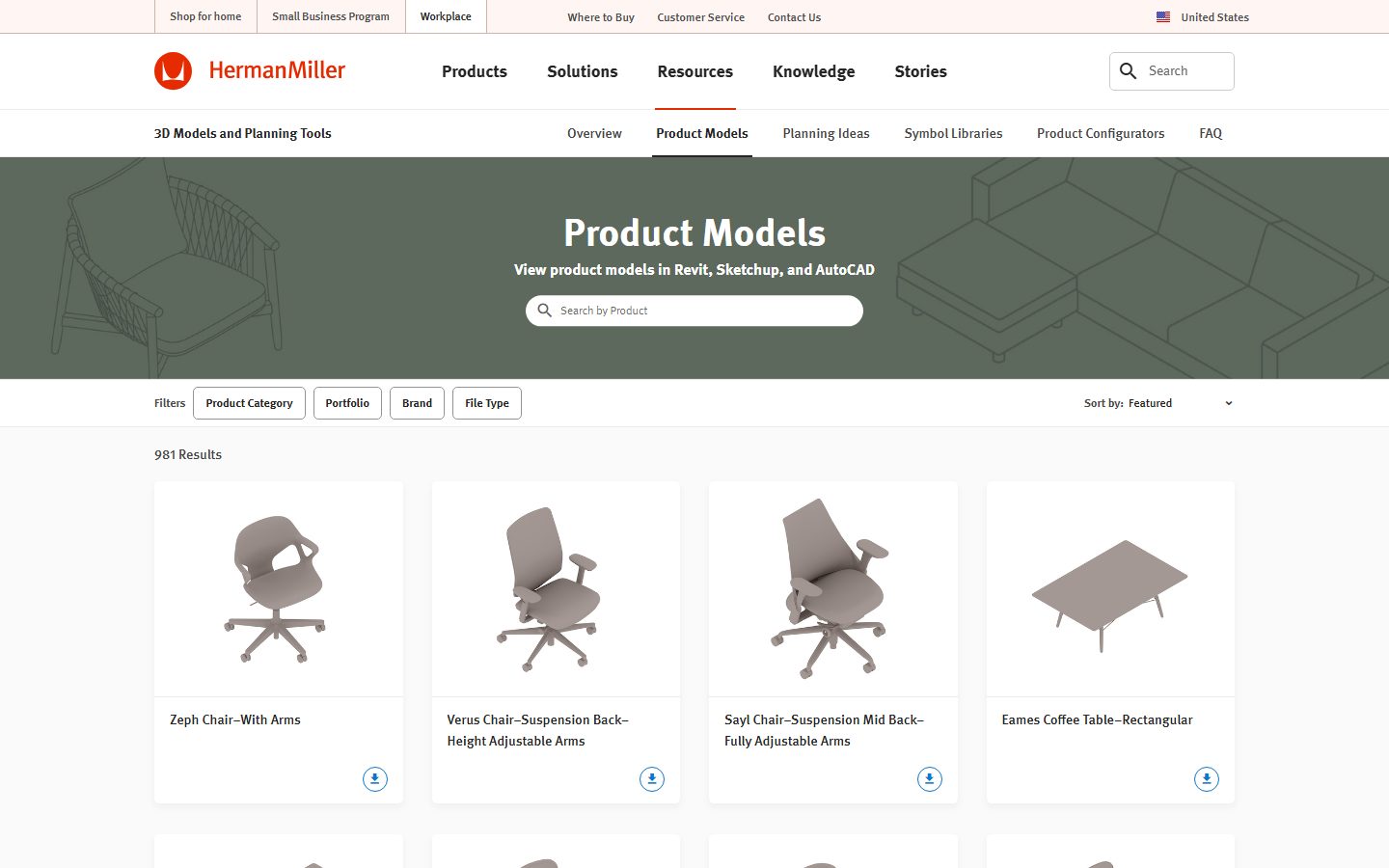
Herman Miller runs one of the best manufacturer portals around. Its Product Models page serves Revit, SketchUp and AutoCAD files for roughly a thousand products, from the Eames and Sayl chairs to tables and storage. Files are free, accurate, and grouped by portfolio. If a project specifies a design classic, this beats hunting for a user copy.
15. Knoll
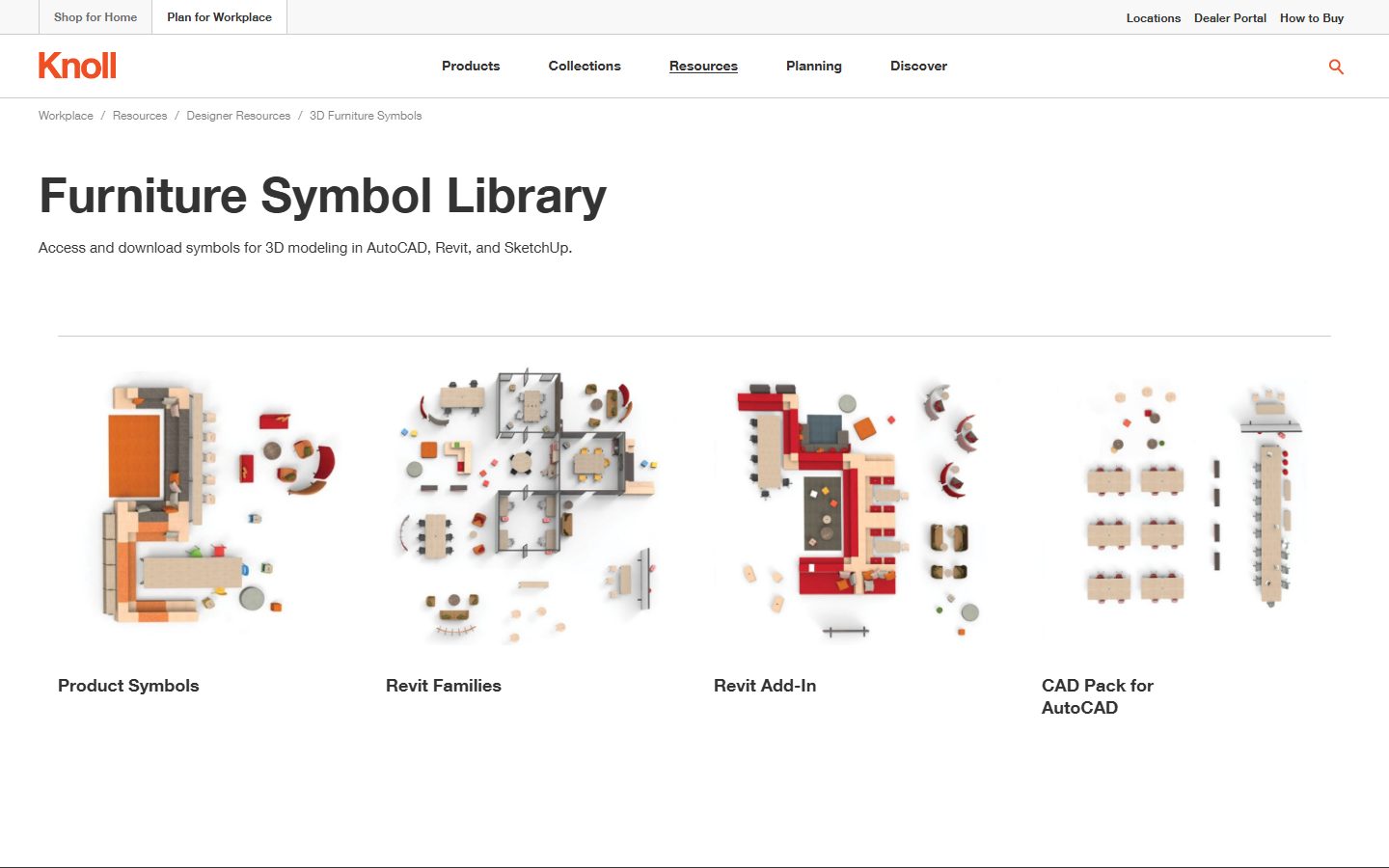
Knoll's Furniture Symbol Library offers its catalog in Revit, AutoCAD and SketchUp, plus a Revit Add-In. Womb chairs, Saarinen tables and Barcelona-era classics come straight from the maker, correctly sized.
16. Teknion
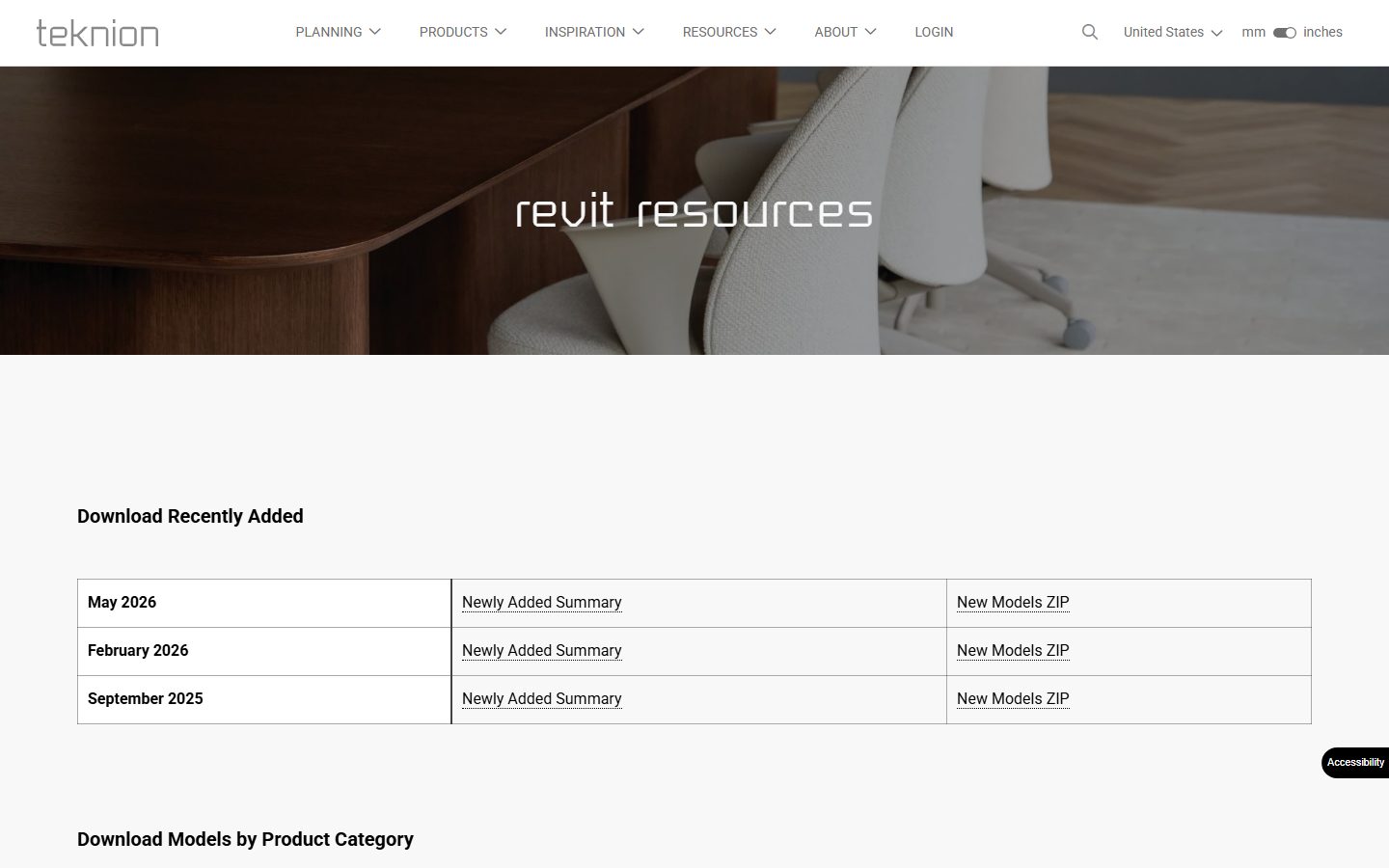
Teknion's Revit resources publish its office furniture as families, with recently-added models bundled as ZIP downloads. A first stop for workstations, meeting tables and task seating.
17. Steelcase
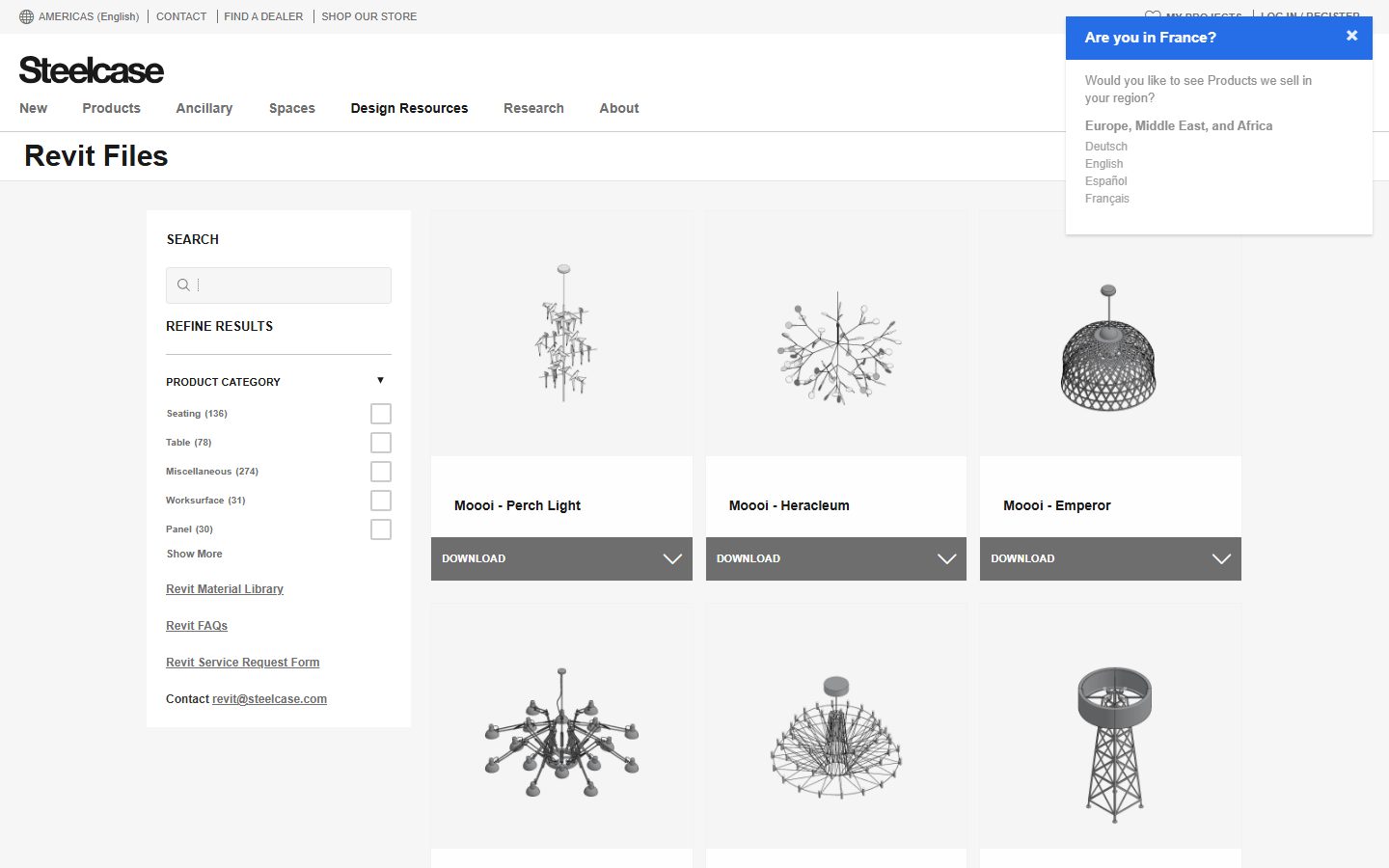
Steelcase hosts a dedicated Revit Files page: search or filter by category (seating, tables, worksurface) and download each family directly. Deep coverage of office furniture, plus partner brands.
18. Haworth
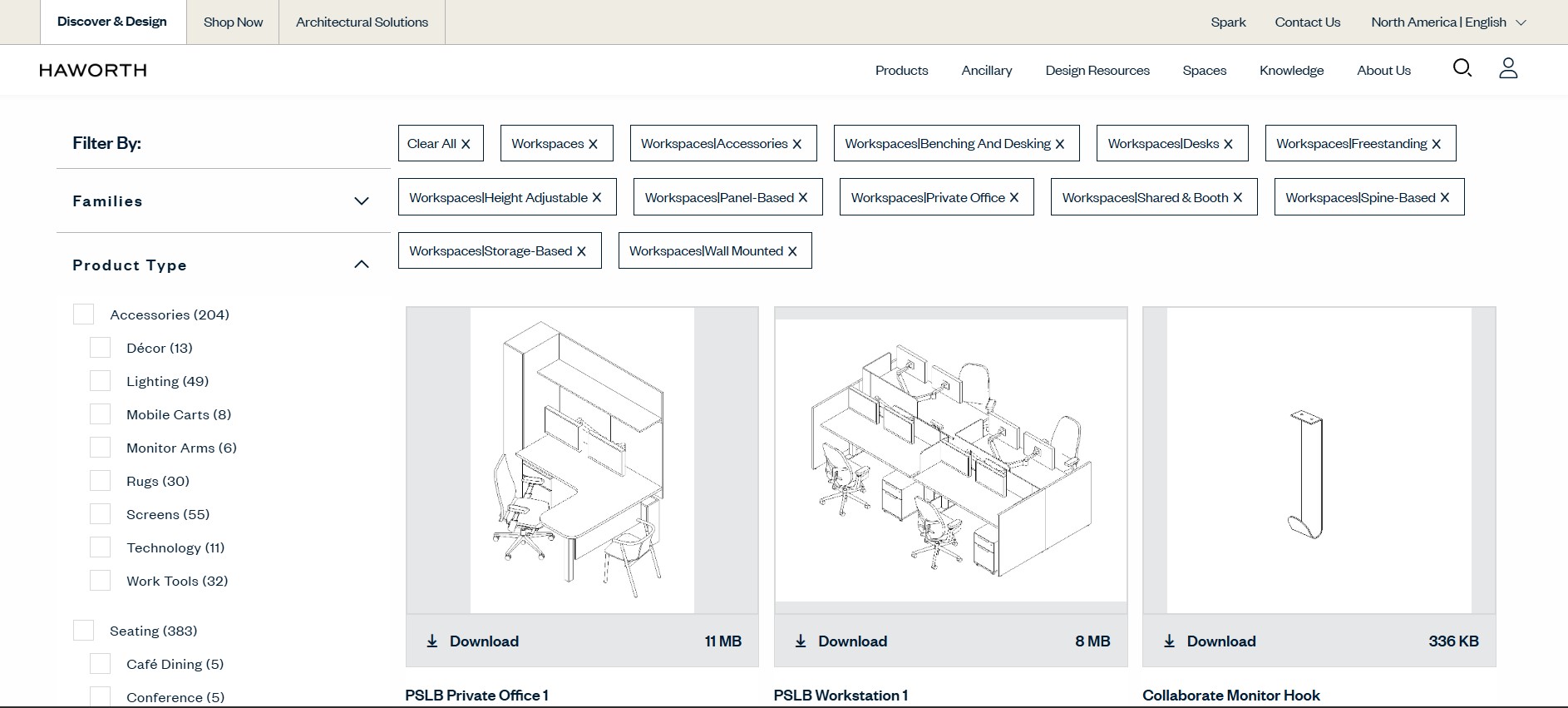
Haworth publishes official Revit files on its own design resources page, with direct downloads available without registration. The coverage is broad for office furniture, lounge areas, panels and workspace systems.
19. Muuto
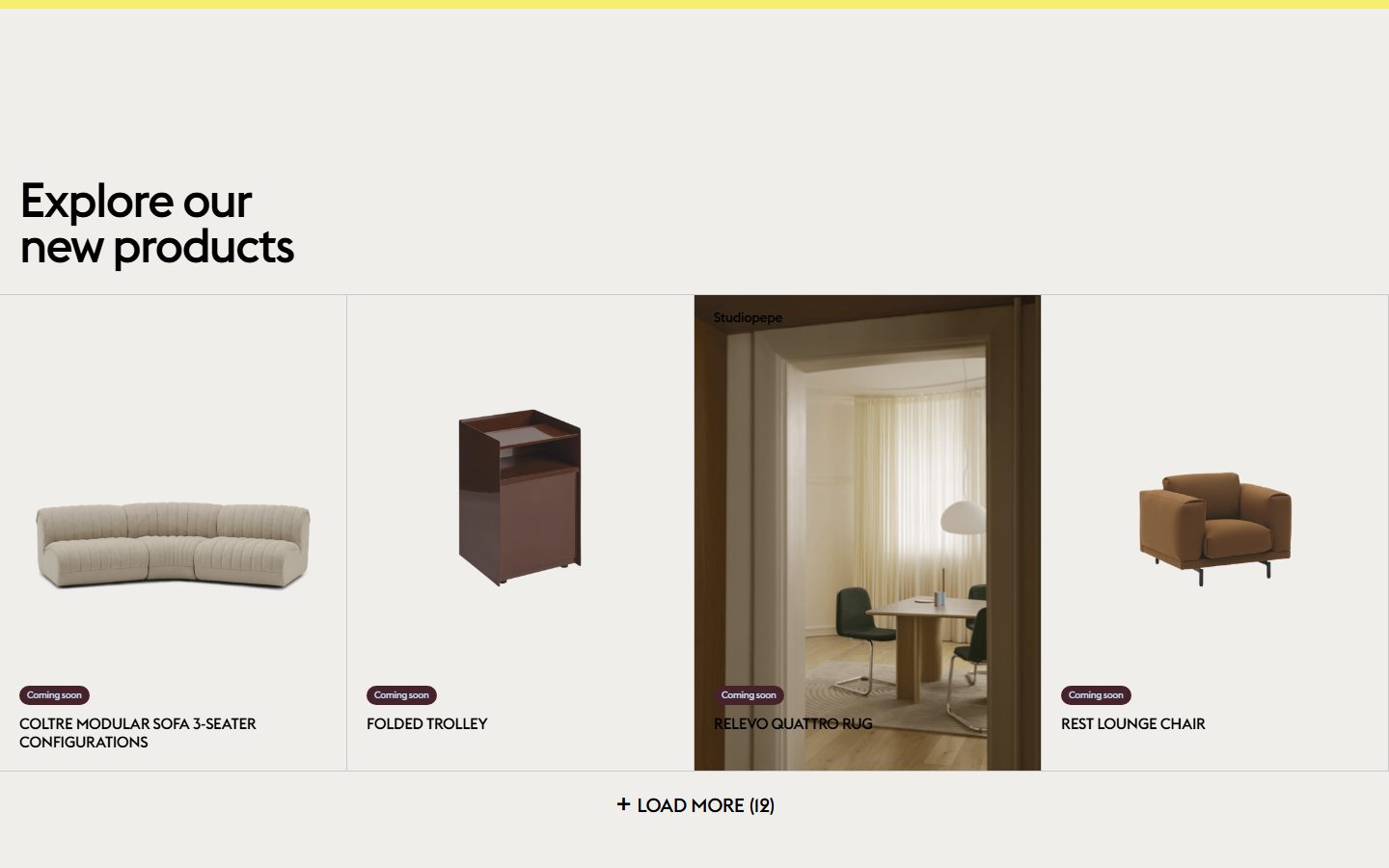
Muuto offers Revit and CAD files for its Scandinavian furniture and lighting. The Rest lounge chair, Coltre sofa and similar pieces download from the brand, ready to specify.
20. Fritz Hansen
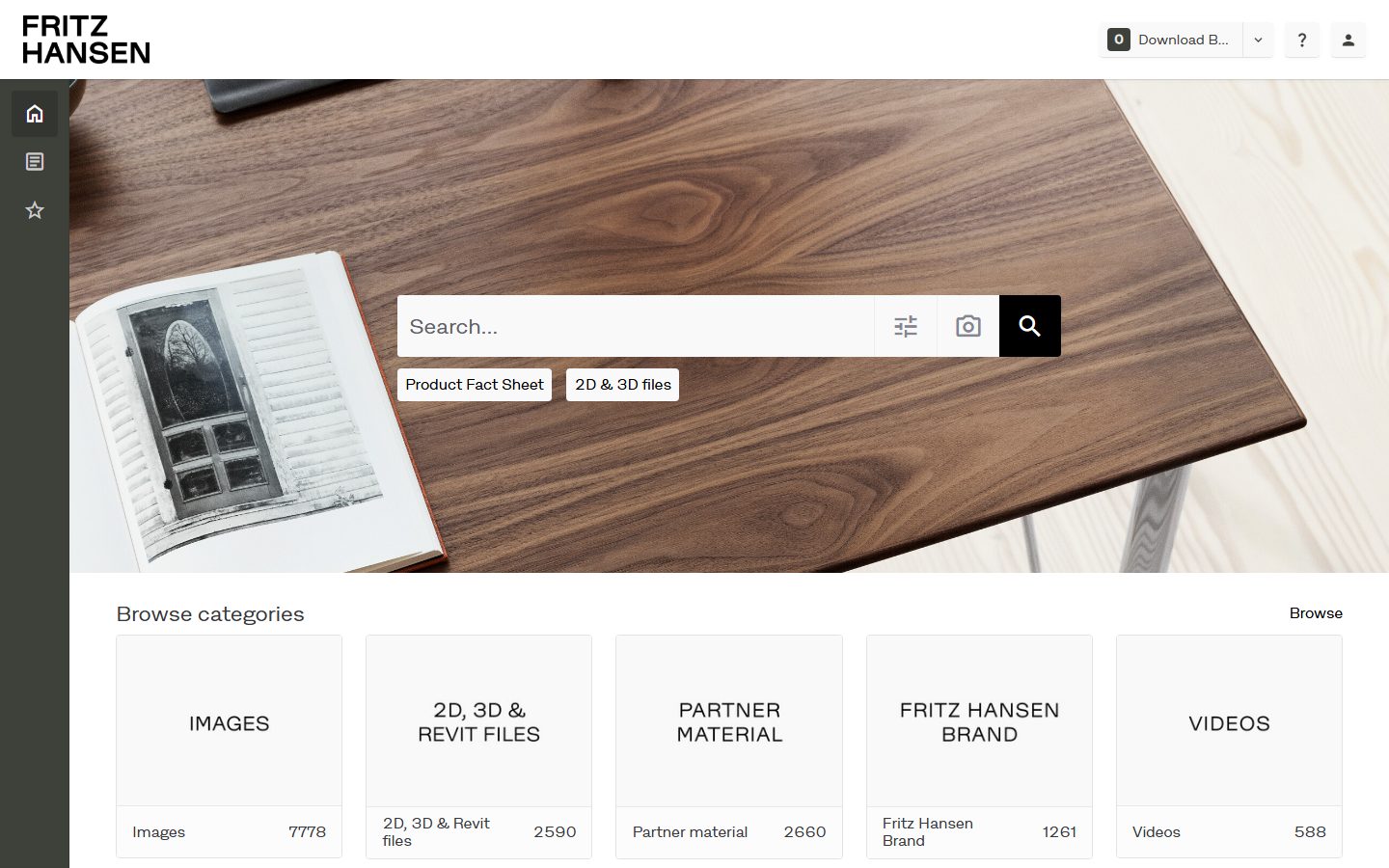
Fritz Hansen runs its own downloads portal for the Series 7, Egg and Swan and the rest of its Danish-design catalog, in Revit and other formats.
21. ERCO
ERCO, an architectural lighting specialist, publishes complete Revit families for its luminaires with accurate photometrics, straight from its download portal.
22. TRILUX
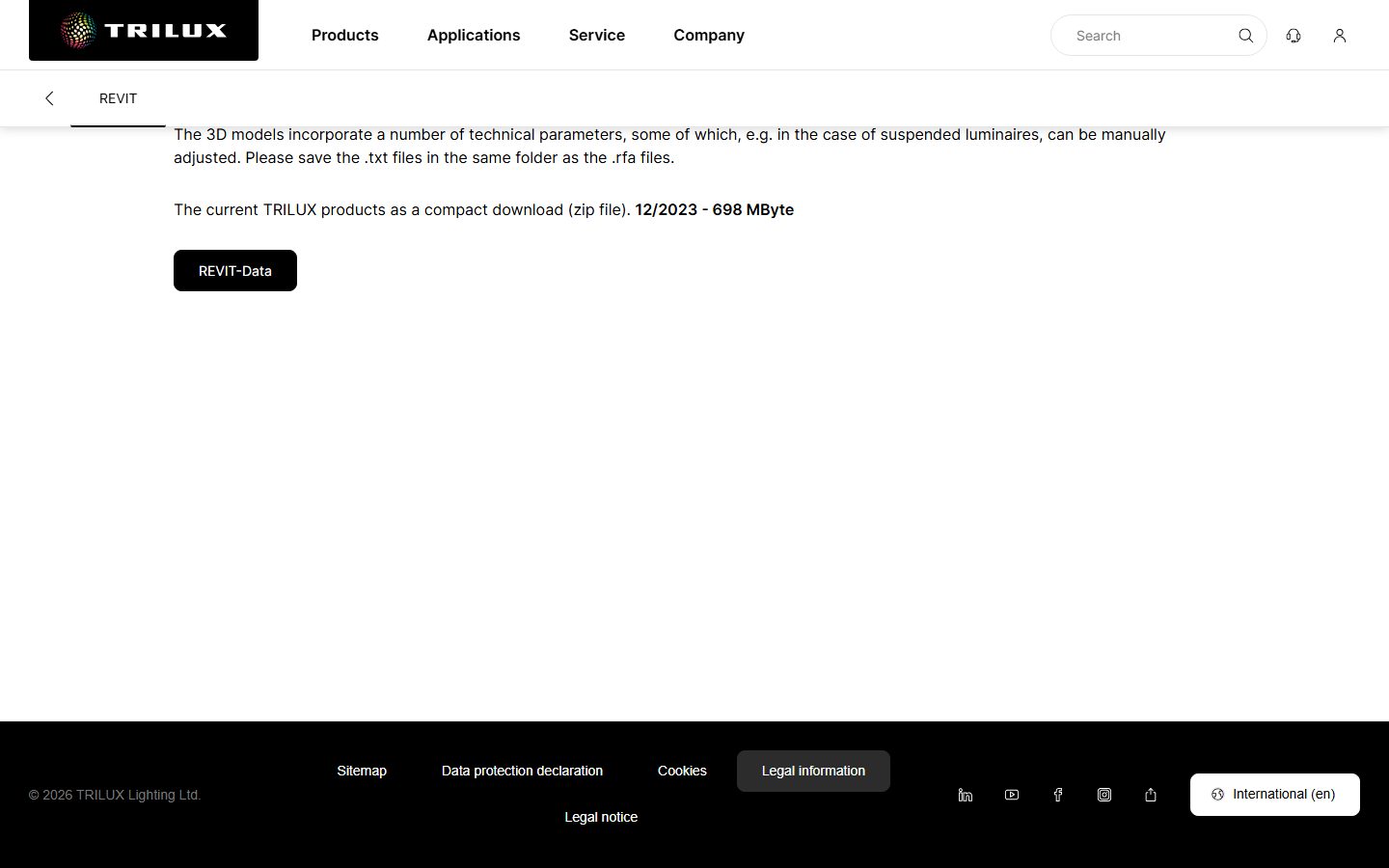
TRILUX, a German architectural lighting maker, offers its full range as native Revit files. Its Revit page bundles the current catalogue as a single ZIP of .rfa families with photometric data, ready to drop into a lighting layout.
23. Zumtobel
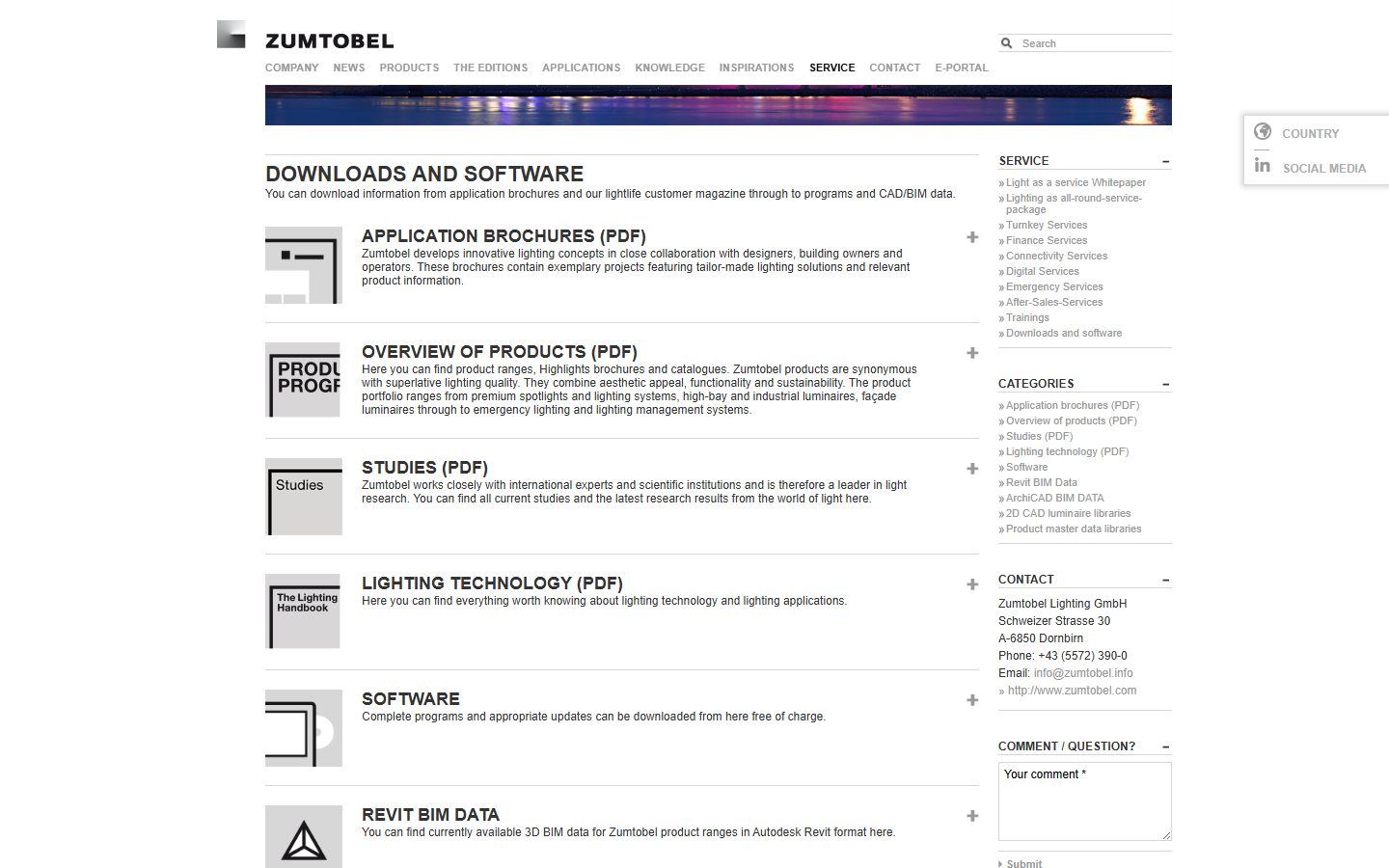
Zumtobel publishes 3D BIM data for its product ranges in Autodesk Revit format on its own downloads page, next to ArchiCAD and 2D CAD libraries. Strong for architectural spotlighting and façade fixtures.
24. Cooper Lighting
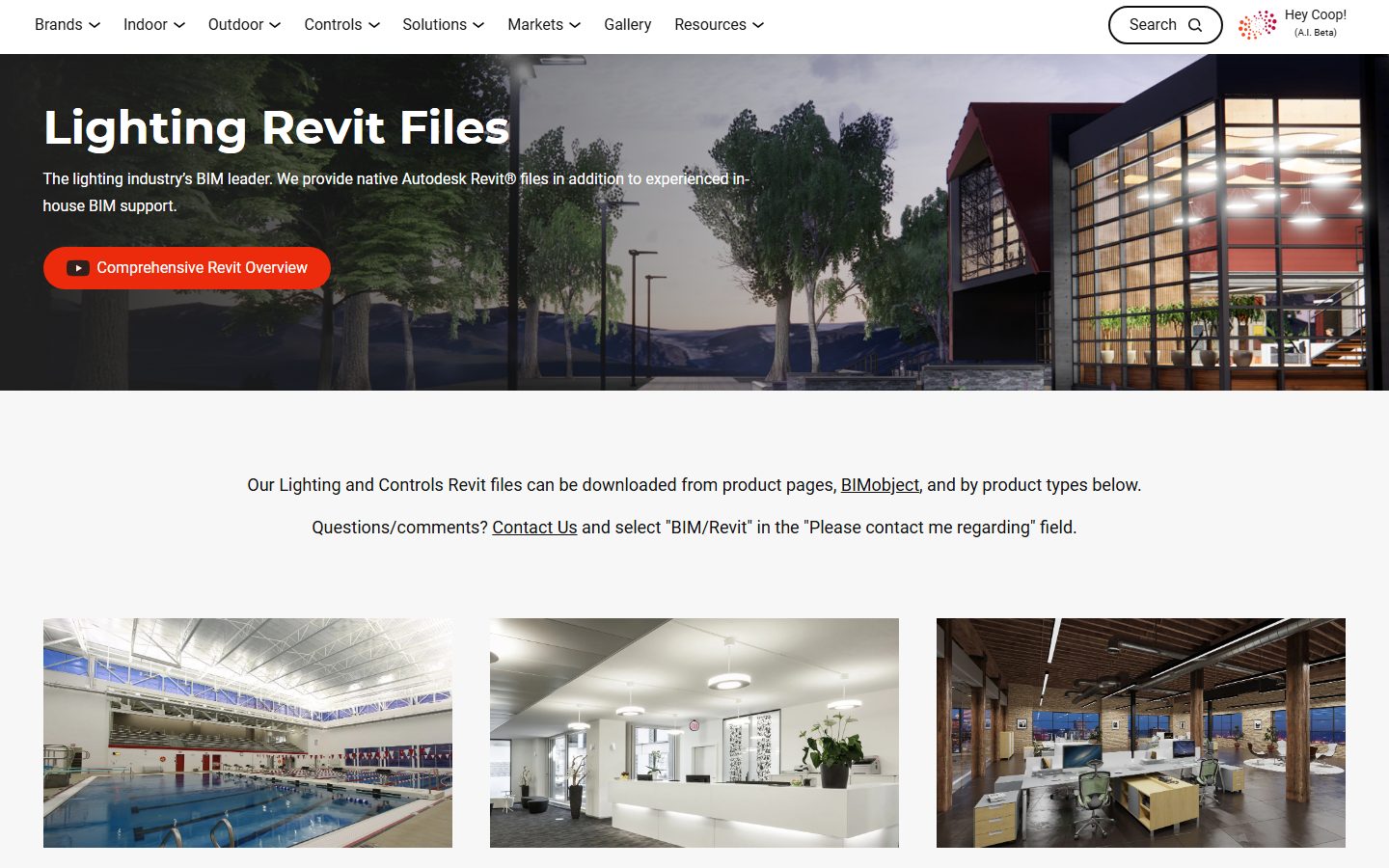
Cooper Lighting calls itself the industry's BIM leader and backs it up: native Autodesk Revit files for its indoor and outdoor fixtures, downloadable from its Revit page and the individual product pages.
25. Kohler
Kohler's professional download page carries Revit, CAD and 3D files for its sinks, tubs, faucets and toilets. A first stop for North American bathroom and kitchen fixtures.
26. Geberit
Geberit serves its sanitary systems, concealed cisterns and bathroom fixtures through a BIM plug-in for Revit and its online product catalogue, authored to European standards.

27. Hansgrohe / AXOR
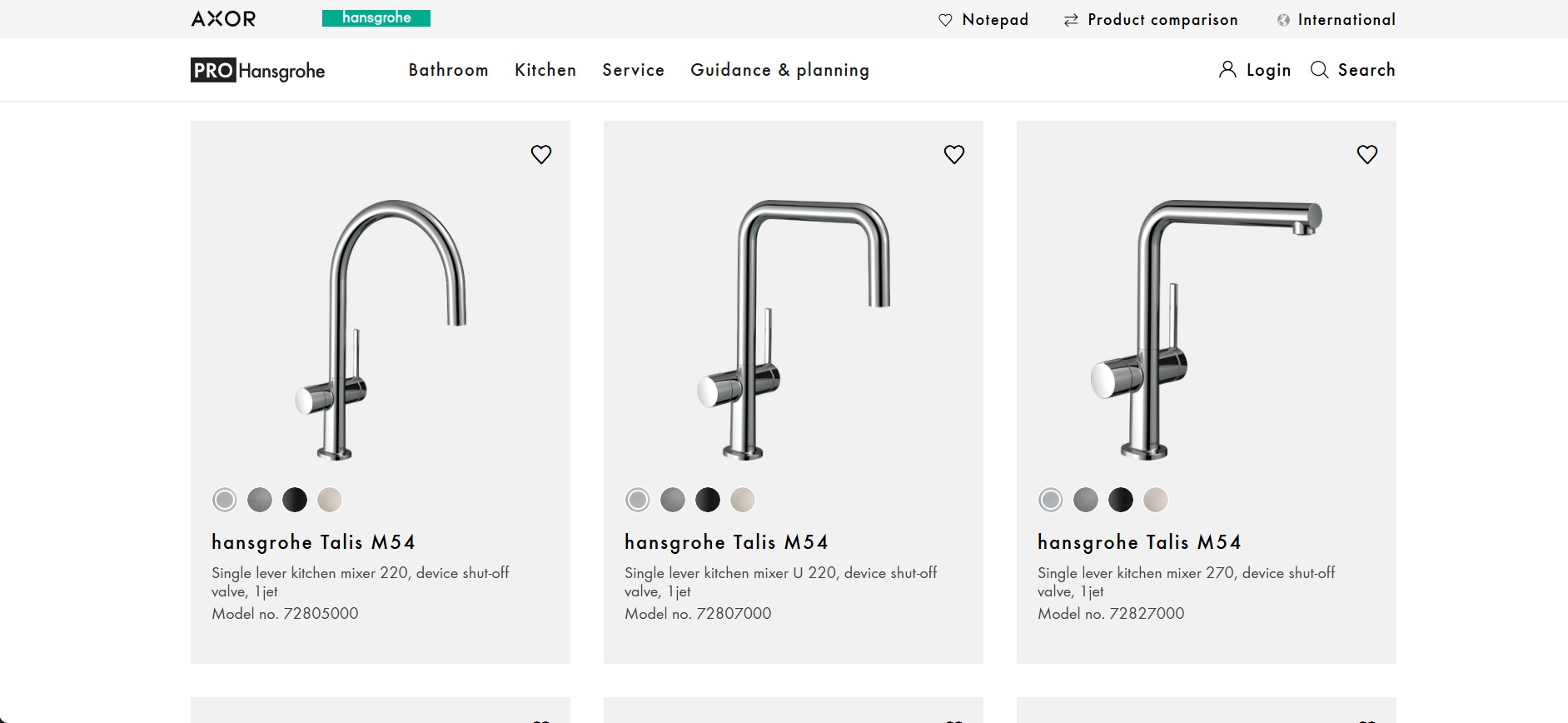
Hansgrohe and its premium brand AXOR publish Revit files at LOD 300 for taps, mixers and shower systems through their BIM planning data page and PRO product pages. Every model carries a real article number, so what you place matches what gets ordered.
28. Roca
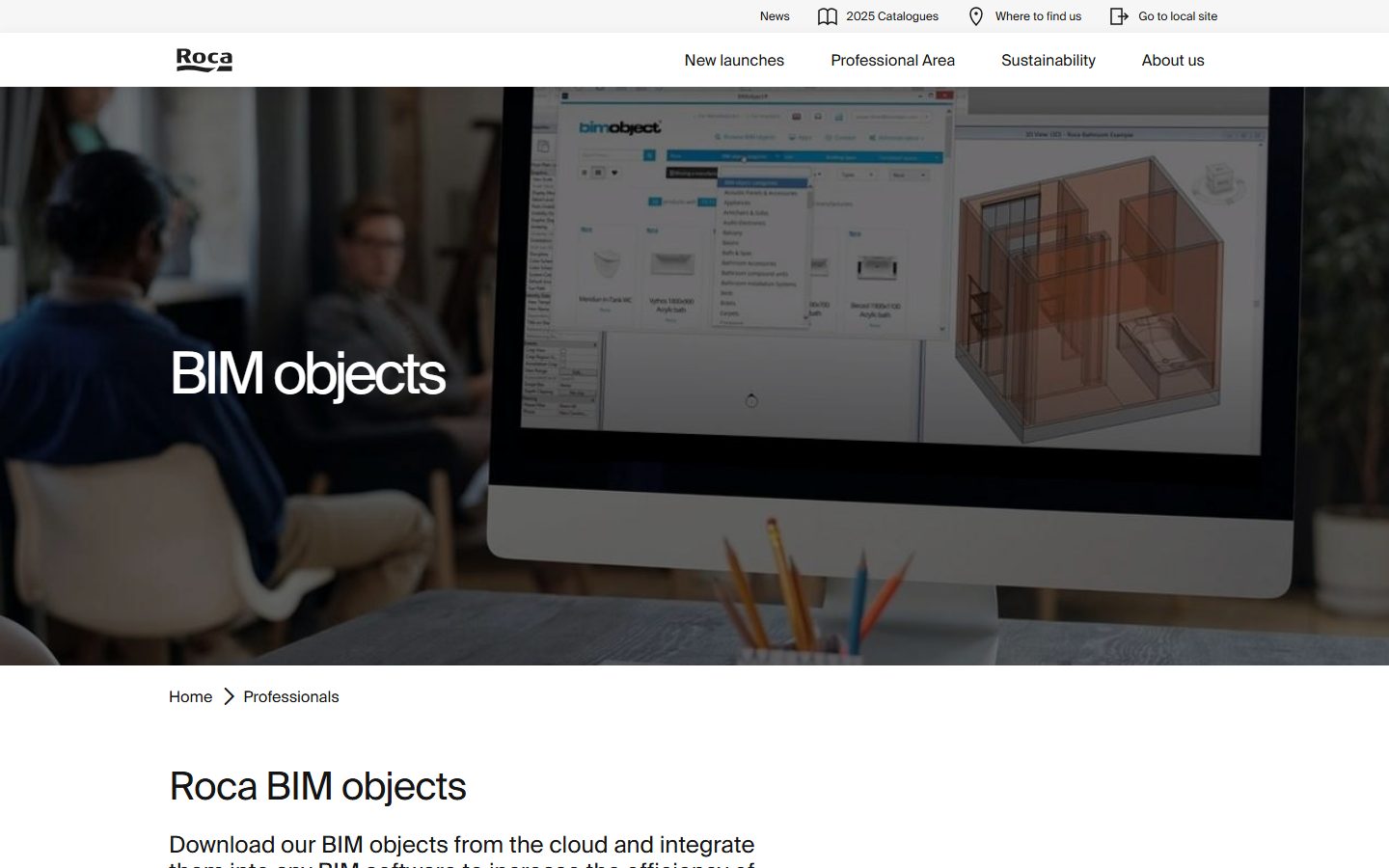
Roca's BIM objects page lets you download families for its toilets, basins and baths straight from the cloud, in Revit and other formats. Strong European bathroom coverage, and a first stop when a project uses Roca fixtures.
29. Grohe
Grohe keeps no single global BIM library. Its Revit files live on selected product pages: open a tap or fixture, expand the resources, and look for Revit Files among the technical downloads. Not every product carries one, but coverage of taps and showers is good.
30. Sub-Zero & Wolf
Sub-Zero and Wolf keep no central library. Their Revit files sit on each product page under CAD Libraries, listed alongside the other formats: open a current model from Product Specifications and pick the Revit file. Premium refrigeration and cooking for high-end kitchens.
How to check a free family before it enters your project
A broken family costs more time than it saves. Run this two-minute check on every download:
- Open it in a blank project first. Never test downloads inside client work.
- Flex the parameters. Change width and height; a solid family updates cleanly, a broken one throws errors or distorts.
- Check the file size. Furniture over 2 to 3 MB deserves suspicion, over 10 MB it needs a very good excuse.
- Look at the category. A sofa modeled as a Generic Model will vanish from your furniture schedules.
- Check the usage terms. Manufacturer catalogs usually allow commercial use; community uploads vary by author. A quick check prevents surprises later.
For examples of size changes and checks on plans and in 3D, read what to check before using free Revit families in an interior project.
When paid families make sense
Free libraries cover a lot, and they still leave gaps: inconsistent detail levels, missing metric versions, furniture that ruins schedules. When a project needs a full consistent set, a tested paid library closes that gap for the price of one billable hour. See which family sets interior designers use most or browse the BIMCORE kitchen family instruction to compare what a project-tested set includes.
FAQ
Where do I find free Revit furniture for interior design?
Start with BIMCORE samples and Herman Miller for furniture built as proper families, then Knoll, Muuto and Fritz Hansen for design classics. Archiproducts and BIMobject cover branded and IKEA pieces, and RevitCity fills the odd gaps. Skip the MEP and construction-product libraries for furniture.
Are free Revit families safe to use?
RFA files are not a typical malware risk. The practical risks are different: wrong dimensions, heavy geometry, broken parameters and wrong categories. The checklist above catches the common problems.
Can I use free families in commercial projects?
On manufacturer catalogs and brand portals such as BIMobject, ARCAT, Herman Miller or Kohler, yes: manufacturers publish families precisely so that you specify their products. On community sites, check each author's terms.
Why did my Revit file get slow after loading free families?
Almost always oversized families. Sort loaded families by file size, purge the heavy ones and replace them with lighter models. Prevention is cheaper: check size before loading.
Still figuring things out?
Join our community — get answers from real Revit users and download free families for interior and architectural design.
Join the Community →